
Audio Recording and Editing
NewsBoss provides exceptional audio editing tools designed specifically for simplicity, precision and speed in a fast-paced news environment. The tools include a powerful single track editor with full fading and level control, a multitrack editor with full envelope editing and easy import and export to other locations. Audio can be dragged and dropped directly into scripts and casts in a seamless and intuitive workflow.
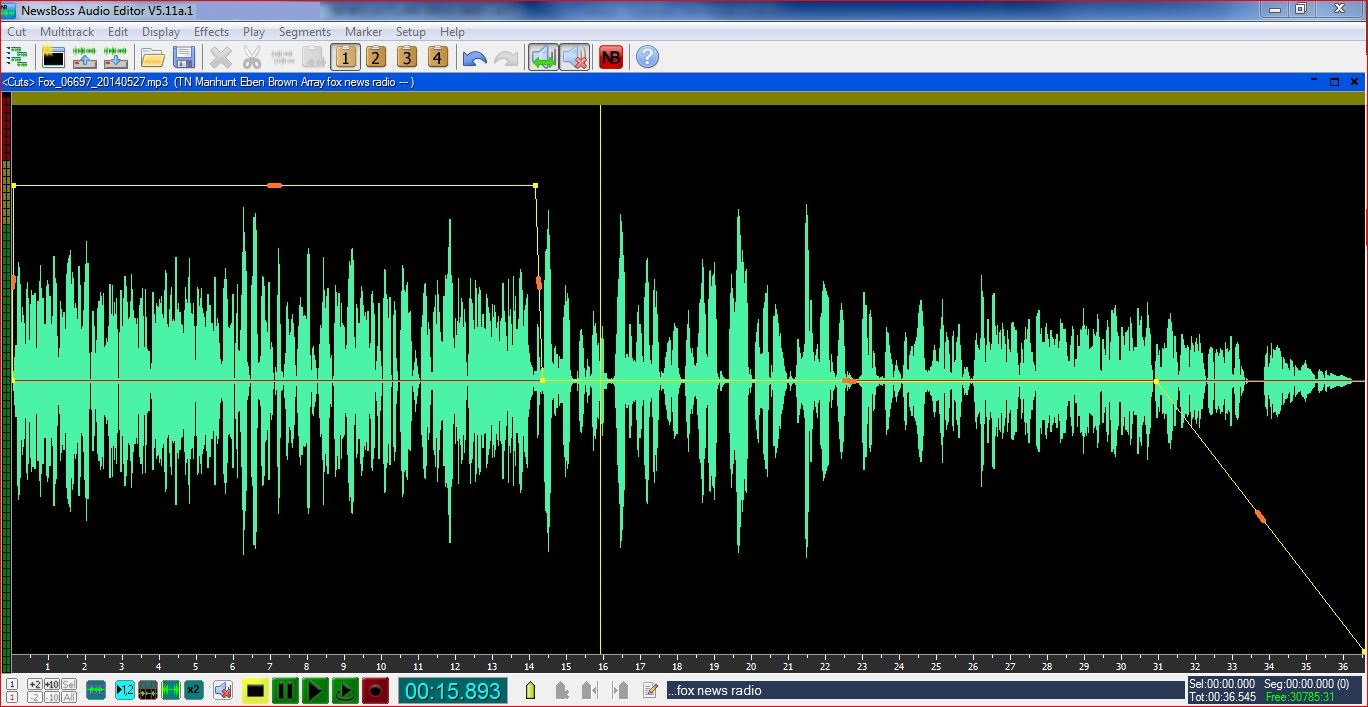
Single Track Editor
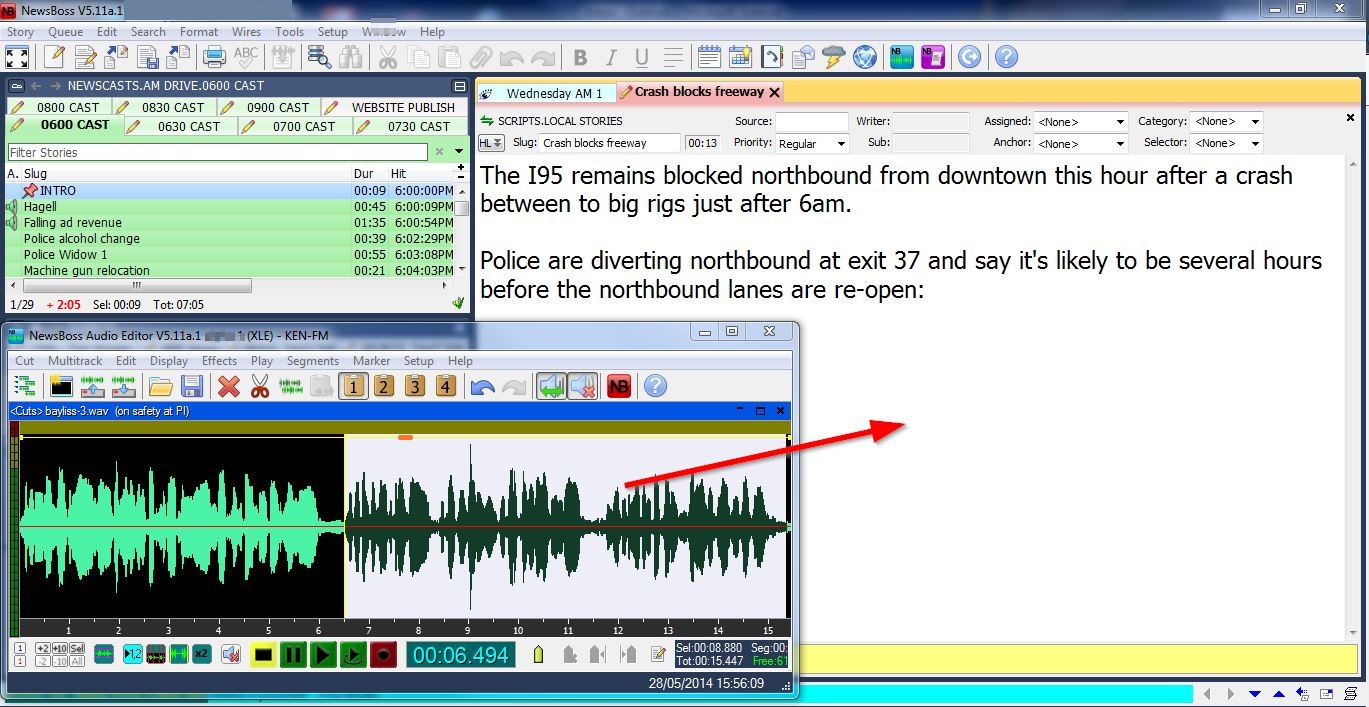
Drag and Drop Audio Into Scripts
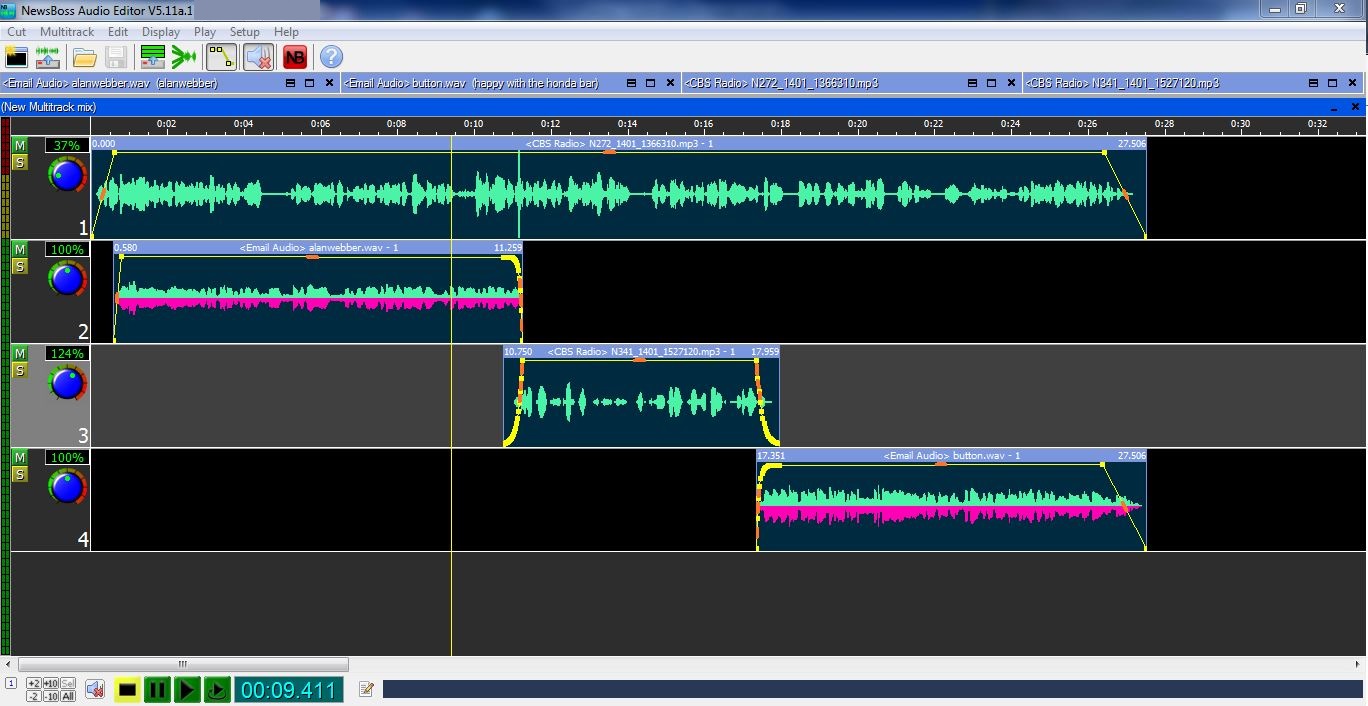
Multitrack Editor
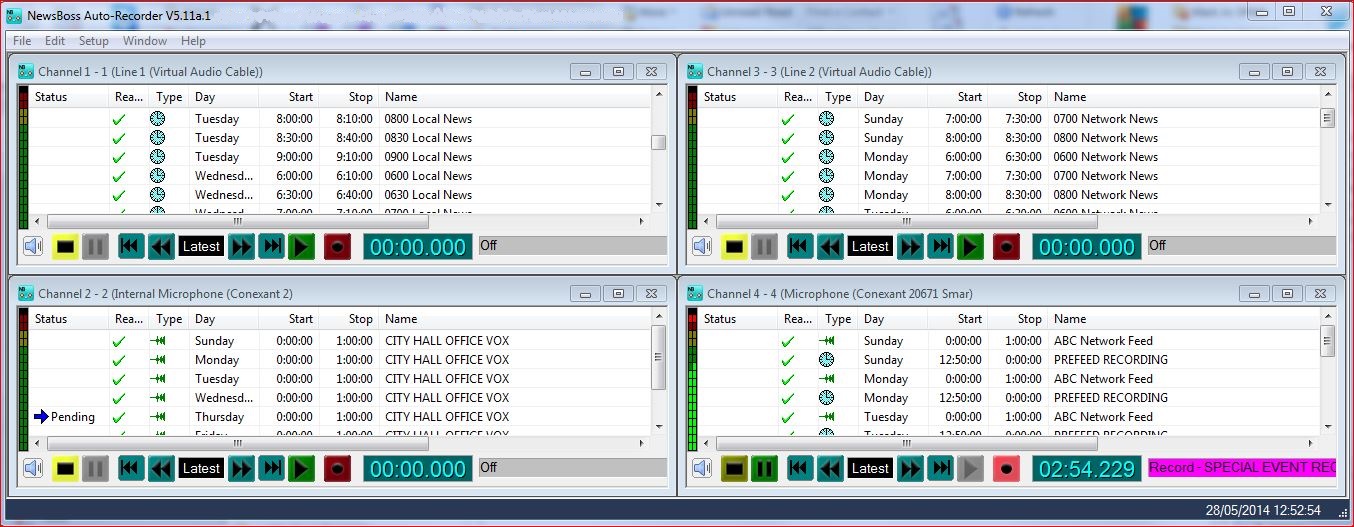
AutoRecorder
Single Track Features:
- Intuitive, fast, precise operation.
- Full envelope editing gives total control of levels and fades.
- Drag and drop highlighted cuts directly into scripts.
- Work on multiple projects simultaneously. Cut, copy and paste with familiar Windows commands.
- Multiple level undo and redo.
- Simultaneously record and edit on the same screen.
- Scrubbing of edit points.
- Unique Assemble Mode instantly combines multiple sound bites into a single cut.
- Resize the editor up to full screen with zoom-in and zoom-out for unrivalled precision.
- Out-cue and other information is saved with the audio clip and automatically inserted into scripts.
- Ingests .wav, .mp3 and .m4a audio and saves as .wav or .mp3 in a wide variety of sample rates.
- Easy import and export to external devices.
Integrated Audio and Text:
- Simply highlight audio cut and drag and drop into script.
- Minimize, enlarge and position the audio editor as desired.
- Save cuts into any user defined audio library for easy management.
- Audio cuts can be edited directly within scripts and casts.
Multitrack Features:
- Intuitive and easy to use.
- Unlimited number of tracks.
- Simple import of tracks from other sources.
- Drag and drop segments from single track into multitrack.
- Edit and mix on the same screen.
- Mute and Solo buttons for previewing individual or selected tracks.
- Level controls for each track plus in-track 'rubber band'level controls.
- Fade-in, Fade-Out and Cross Fade, segment snap, normalize and more.
AutoRecorder Features:
- Automatically record a virtually unlimited number of audio streams simultaneously.
- Events can be edited while recording for instant turnaround.
- Edit events from multiple workstations simultaneously.
- Schedule events in a simple Windows interface.
- Recordings triggered by time, contact closure or voice activation.
